
Learn Capcut Video Editing with a 30 year Editing Master Expert
Discover comprehensive tutorials and expert tips to help you unlock Capcut’s full potential and create stunning videos with ease.
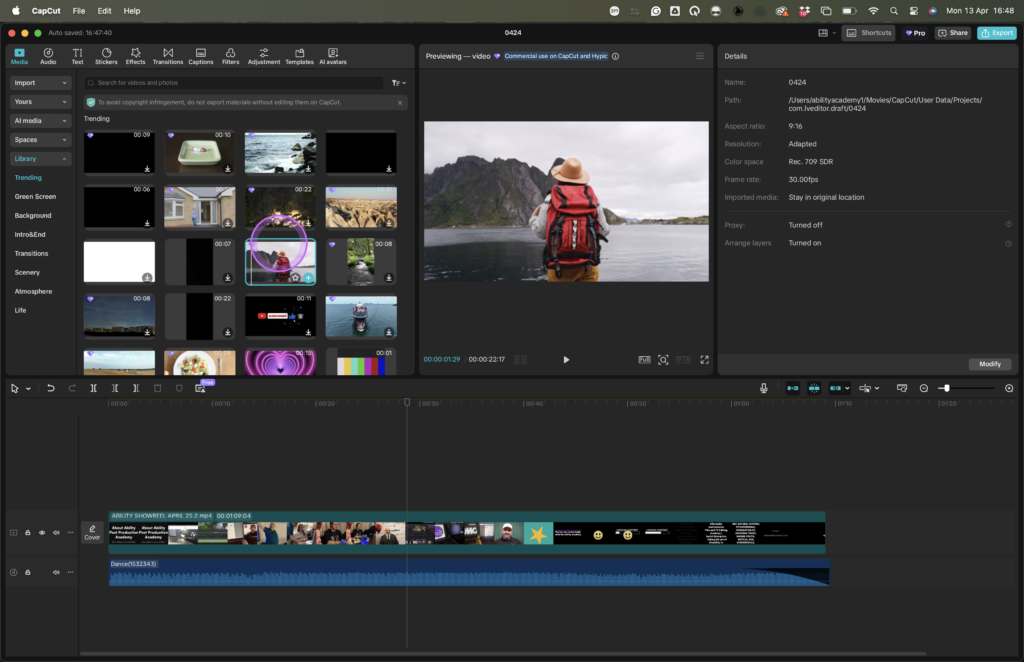
Master Video Editing with Capcut’s Powerful Features
Capcut Editing Master 101 is dedicated to empowering content creators with practical skills and knowledge to excel in video editing for YouTube, TikTok and Instagram Reels. Our mission is to make Capcut accessible and easy to master, guiding you towards creating stunning videos with confidence and expertise.
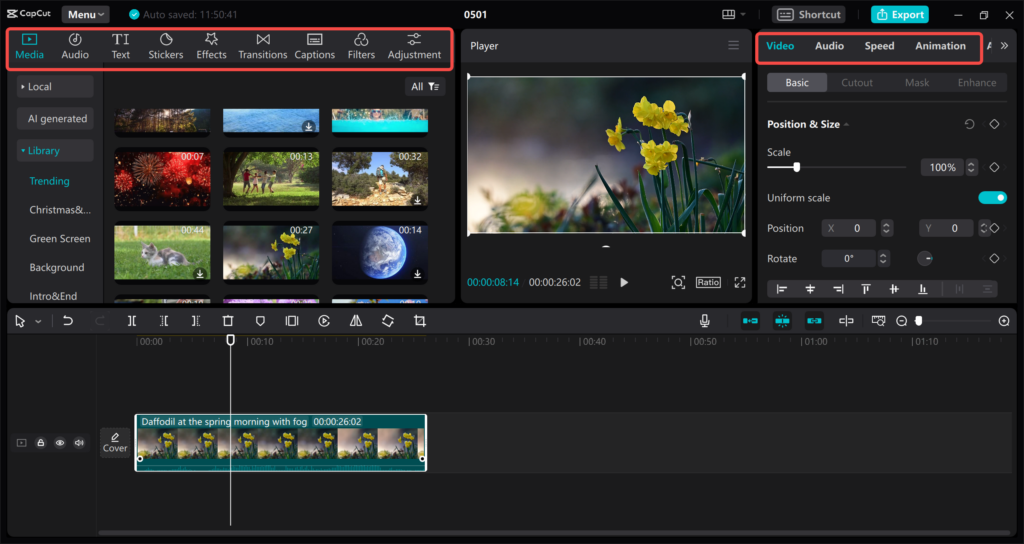
Master Video Editing Like a Pro with Capcut Master 101
Find quick answers to popular Capcut editing questions to enhance your skills effortlessly.
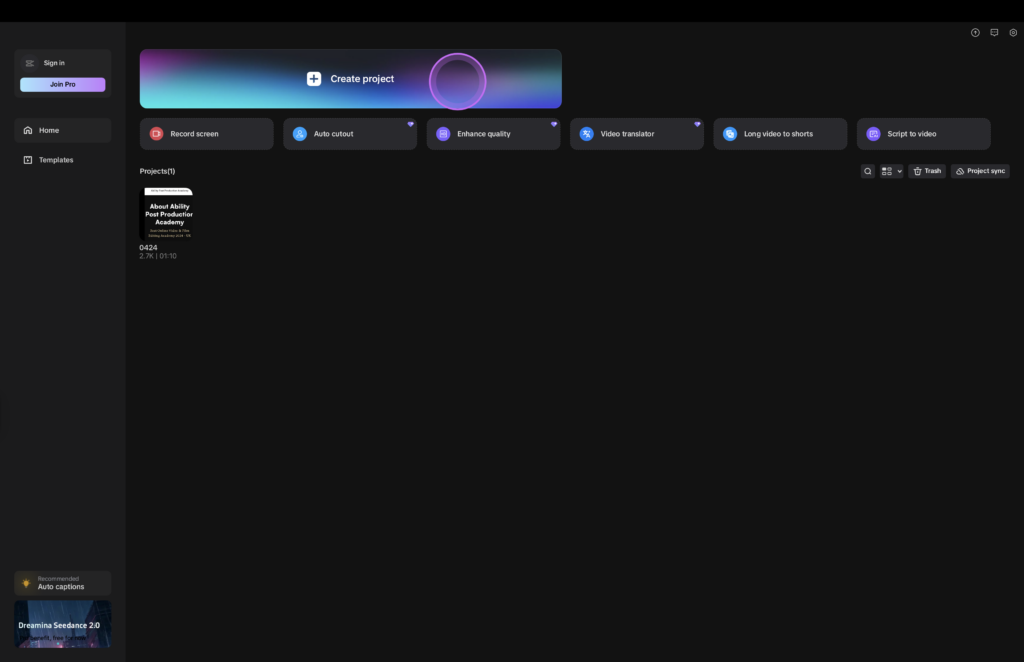
How do I start a new project in Capcut?
Open the app, tap ‘Create Project,’ and select your videos or images to begin editing.
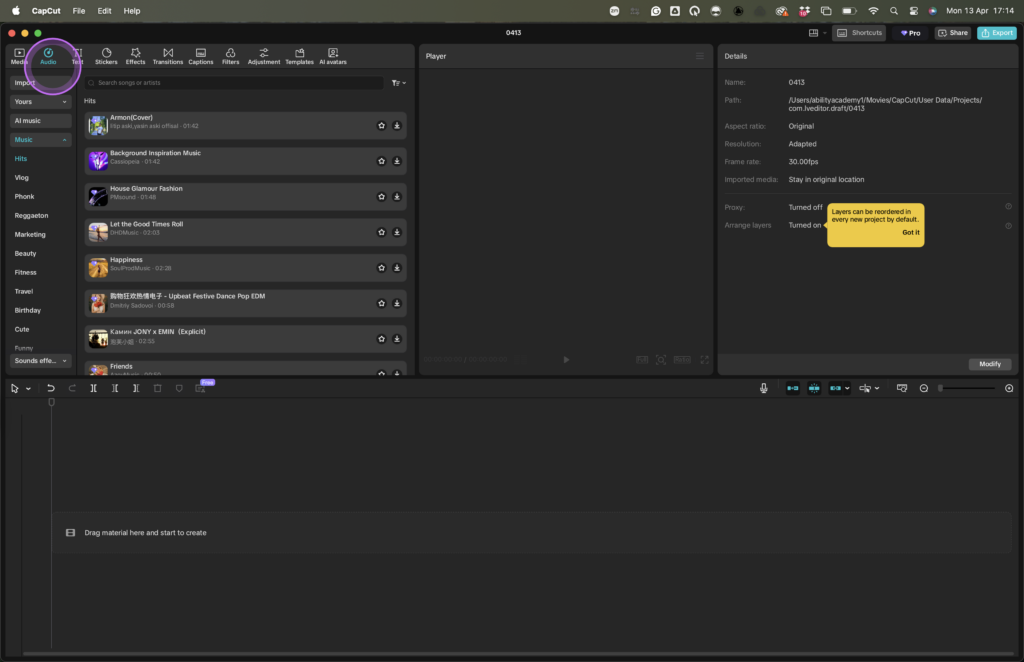
Can i add Music?
Yes, simply tap the audio icon and choose tracks from your library or Capcut’s collection.
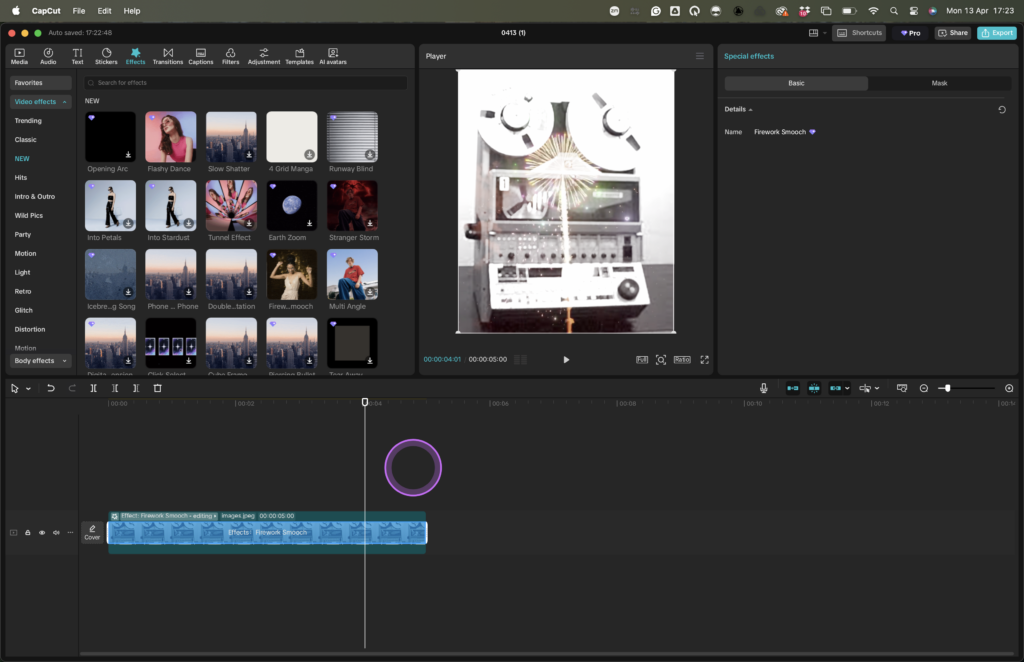
How do i add Effects in Cap Cut?
Select your clip, then use the effects tab to browse and apply various filters and transitions.
Is Capcut free to use?
Yes, Capcut offers a free version with extensive features to get you started becoming a Content Creator.
Master Capcut: Tutorials for Every Beginner
Unlock your video editing potential with our easy tutorials. Join our community, subscribe for updates, and start creating stunning videos today!
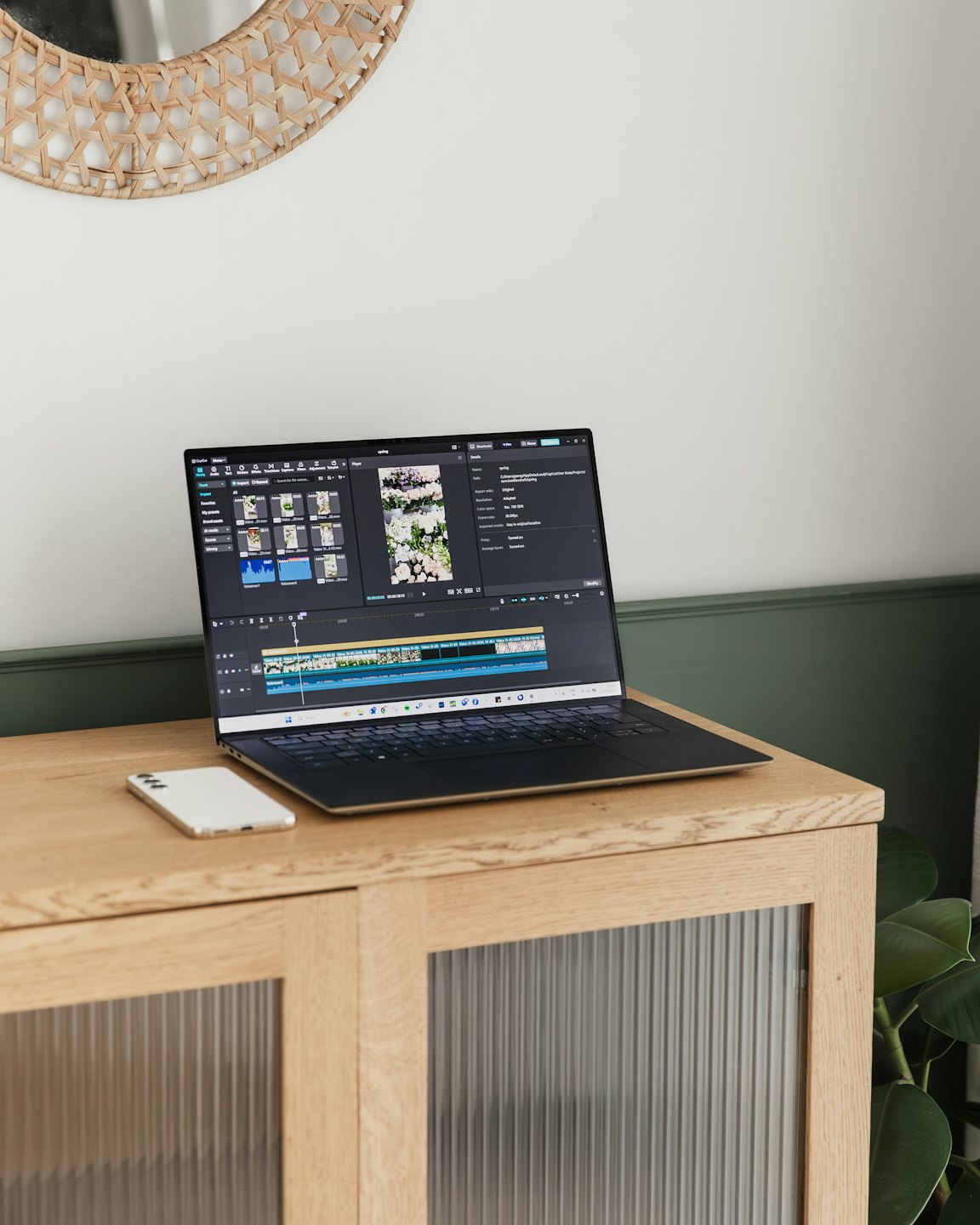
Master Capcut Video Editing with Ease
Discover powerful tools and expert tips that make Capcut your go-to video editing solution.


Intuitive Editing Tools
Learn to navigate Capcut’s user-friendly interface for seamless video creation.

Creative Effects and Transitions
Explore a variety of effects to enhance your videos and captivate your audience.

Expert Tutorials and Tips
Access comprehensive tutorials designed to boost your editing skills step-by-step.
Master Capcut’s Advanced Video Editing Tools
Find tutorials, tips, and guides crafted to help you master Capcut with confidence.
Getting Started with Capcut
Learn the basics of Capcut’s interface and simple editing techniques.
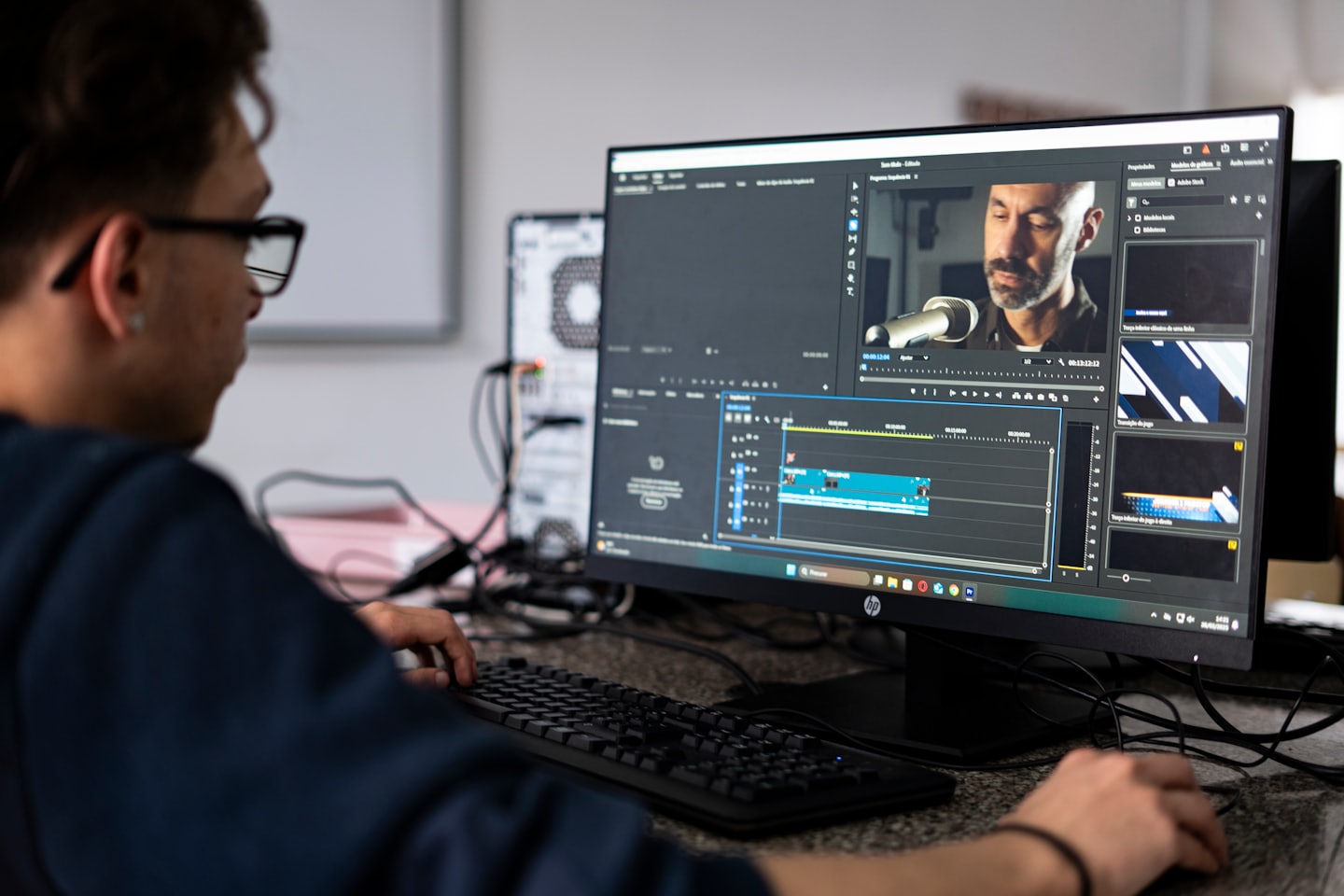
Creative Effects and Transitions
Discover how to apply stunning effects and seamless transitions in your videos.

Exporting and Sharing Videos
Understand the best settings and methods to export and share your projects.