
What is Capcut and how can it help me?
Find clear answers to the most common questions about using Capcut, so you can start editing videos like a pro.

How do I get started with Capcut?
Download the app, create an account, and explore our beginner tutorials to start your editing journey.
Are there any costs associated with using Capcut?
Capcut is free to use with optional in-app purchases for advanced features.
Can I edit videos on my phone and computer?
Yes, Capcut works on both mobile devices and desktop computers for seamless editing.
What video formats does Capcut support?
Capcut supports popular formats like MP4, MOV, and AVI for easy importing and exporting.
Is there a way to learn advanced editing techniques?
Absolutely! Our tutorials cover everything from basics to advanced effects and transitions.
Can I add music or voiceovers to my videos?
Yes, Capcut allows you to add and edit audio tracks to enhance your videos.
Master Capcut Editing Skills
Find tutorials, tips, and guides tailored to help you excel in Capcut video editing.

Getting Started
Learn the basics of Capcut to begin crafting your own videos with confidence.

Editing Techniques
Discover advanced editing tricks to elevate your video projects.

Creative Effects
Unlock creative tools and effects to make your videos stand out.
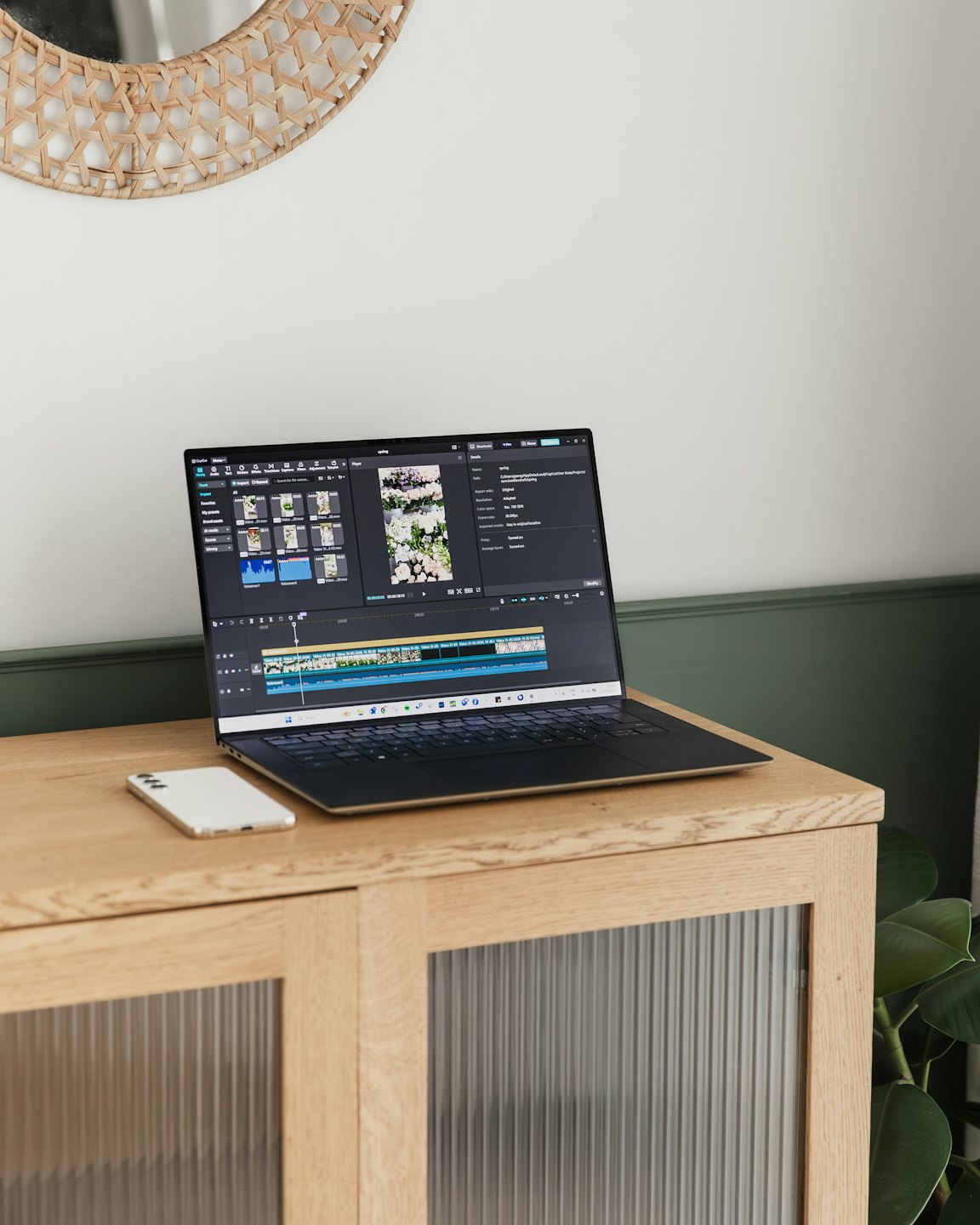
Master Capcut Editing Skills Starting Now
Discover how our tutorials can boost your video editing abilities with Capcut. Join our community to start creating professional videos today.